Last reviewed: November 8, 2026
Free Watermark Remover Comparison: 12 MP Output and Download Bytes
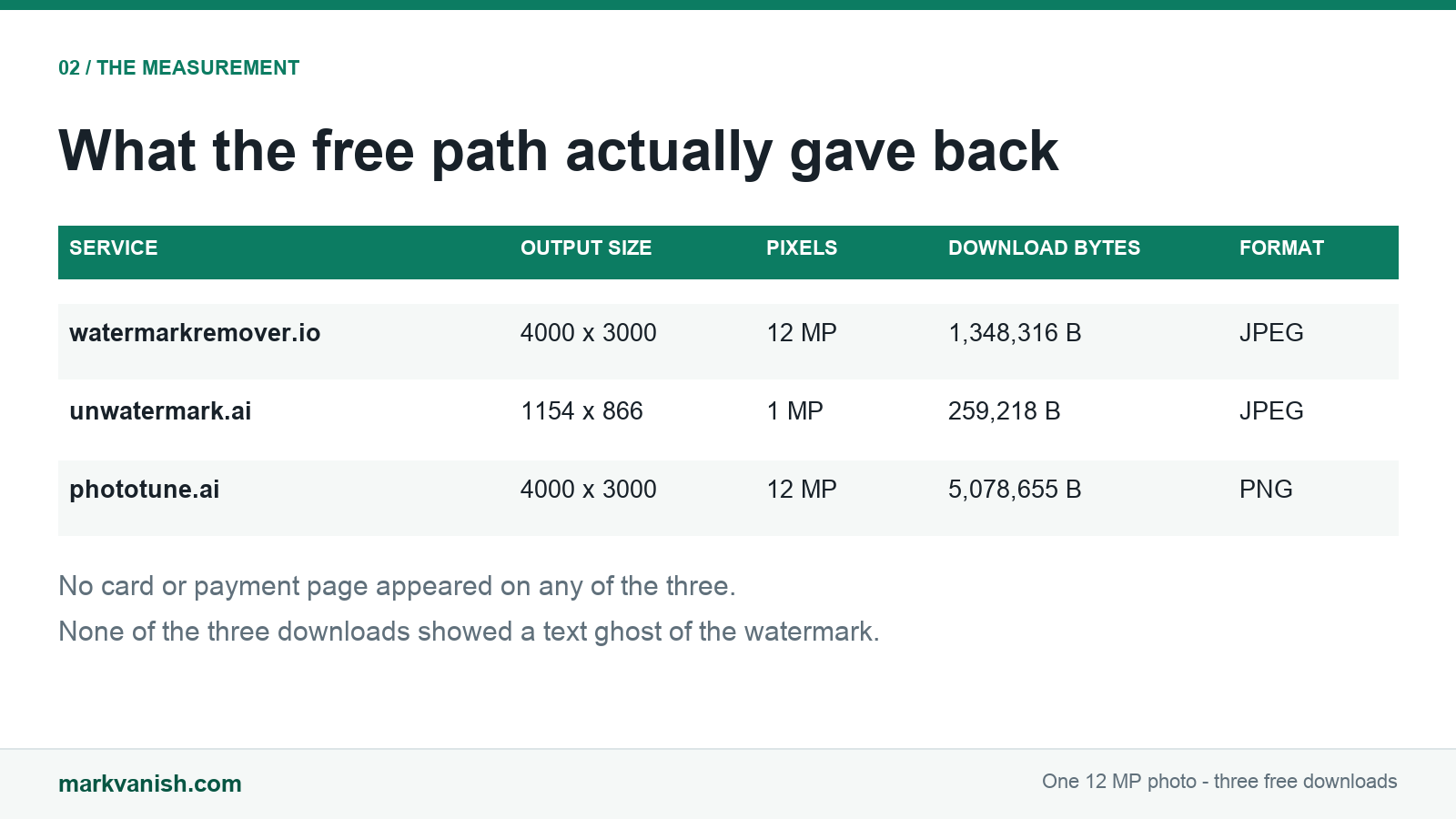
All three free watermark removers returned a downloadable file from the same 12 MP photo without a credit card, and none left the white SAMPLE WATERMARK lettering visible. What they hand back is not the same file. watermarkremover.io returned the full 4000×3000 (12 MP) as a 1,348,316 byte JPEG, phototune.ai returned the full 4000×3000 as a 5,078,655 byte PNG, and unwatermark.ai returned 1154×866 (1 MP) as a 259,218 byte JPEG. Two of the three let the whole job finish anonymously.
| Watermark remover | Free output | Download size | Format | Login needed | Card needed | Watermark left behind |
|---|---|---|---|---|---|---|
| watermarkremover.io | 4000×3000 · 12 MP | 1,348,316 B | JPEG | No | No | No lettering; background behind the text visibly smoothed |
| unwatermark.ai | 1154×866 · 1 MP | 259,218 B | JPEG | No | No | No lettering; whole photo resampled to 1 MP and softer |
| phototune.ai | 4000×3000 · 12 MP | 5,078,655 B | PNG | No (dismissible sign-up) | No | No lettering; sharpest background detail of the three |
What each column means for you
- Free output. This decides whether you can print or crop again. A 12 MP file still covers an A4 page at 300 dpi; a 1 MP file is a screen-size copy with roughly one twelfth of the pixels.
- Download size. This decides your upload, storage and re-edit cost. Both watermarkremover.io and phototune.ai kept 12 MP, but the PNG from phototune.ai is 3.8 times the bytes of the JPEG from watermarkremover.io.
- Format. JPEG is lossy and small, PNG is lossless and large. If you plan to edit the result again, the phototune.ai PNG will not add a second round of compression.
- Login needed. This decides whether you have to hand over an email address. watermarkremover.io and unwatermark.ai let the whole job finish anonymously; phototune.ai showed a sign-up box that could be closed with Maybe later.
- Card needed. This decides whether "free" is actually free. No card or payment page appeared on any of the three, and all three produced a real download.
- Watermark left behind. This decides whether you need a second pass. The lettering was gone in all three; the difference is what the repair did to the pixels underneath.
What the free tier actually gives you
watermarkremover.io states a free plan of 3 credits on sign-up, with 1 credit equal to 1 image, and 2 conversions per day without registering. Its upload page caps input at 5000×5000 px, so a 12 MP photo is inside the limit. In this run the file went in and came back without any account.
unwatermark.ai states 3 automatic watermark removals per day, 20 manual removals per day and 6 video removals per week on its $0 plan, and its FAQ says plainly that there is no need to log in to use watermark removal. Its upload area allows up to 18 MB. The measured job took 11 seconds and reported Auto V3 at High Quality, yet the free download was 1154×866. A "high quality" label describes the processing model, not the resolution you are allowed to take away.
phototune.ai started at 6 credits, consumed 4 for this one 12 MP removal and ended at 2. That is a measured change on the page, not a quoted plan. The site says Free credits, no card required and Start without creating an account, and it caps uploads at 10 MB. At 4 credits per image, the starting balance is one full-resolution removal with a little left over, not a day of unlimited work.
What the repair did to the photo
The white SAMPLE WATERMARK lettering is gone in all three downloads, and none of them left a ghost outline of the text where it used to be. That means you do not need a second pass over the lettering itself on any of these three. It does not mean the three files are equally usable.
The difference is what each repair did to the picture underneath. On watermarkremover.io, the area behind the text is visibly faded and smoothed, so removing the lettering also took some fine detail with it — noticeable on a photo with texture or pattern behind the watermark. On unwatermark.ai, the whole photo has been reduced to 1 MP, which is why the entire image looks softer rather than just the text area. On phototune.ai, that detail stays sharp and closest to the original, at the price of a 5,078,655 byte PNG and 4 credits. If your watermark sits over a detailed subject, the resolution column alone will not tell you which result you can actually use — the smoothing and the 1 MP cap will.
Which free watermark remover to use
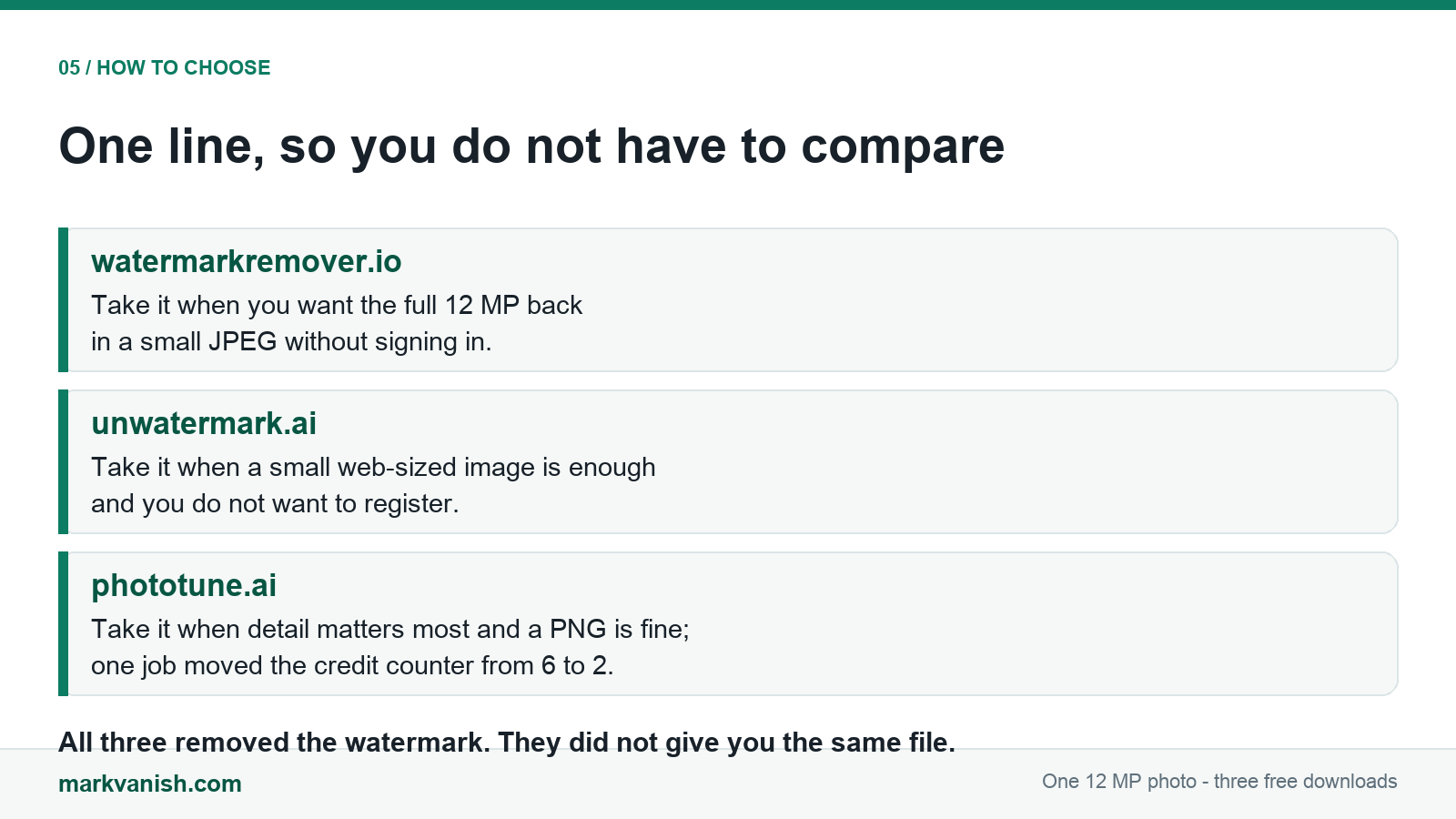
For a quick screen-only copy with no account at all, unwatermark.ai is enough and it is the smallest file of the three. For full resolution in a compact file you can email or post, watermarkremover.io is the practical pick, as long as you accept some smoothing behind the watermark. For a photo you intend to print, crop or edit again, phototune.ai preserved the most detail, but budget for a large PNG and 4 credits per 12 MP image. All three cleared the same bar on the two things people usually fear: no card was requested and no visible watermark was left behind.
How the three rows were measured
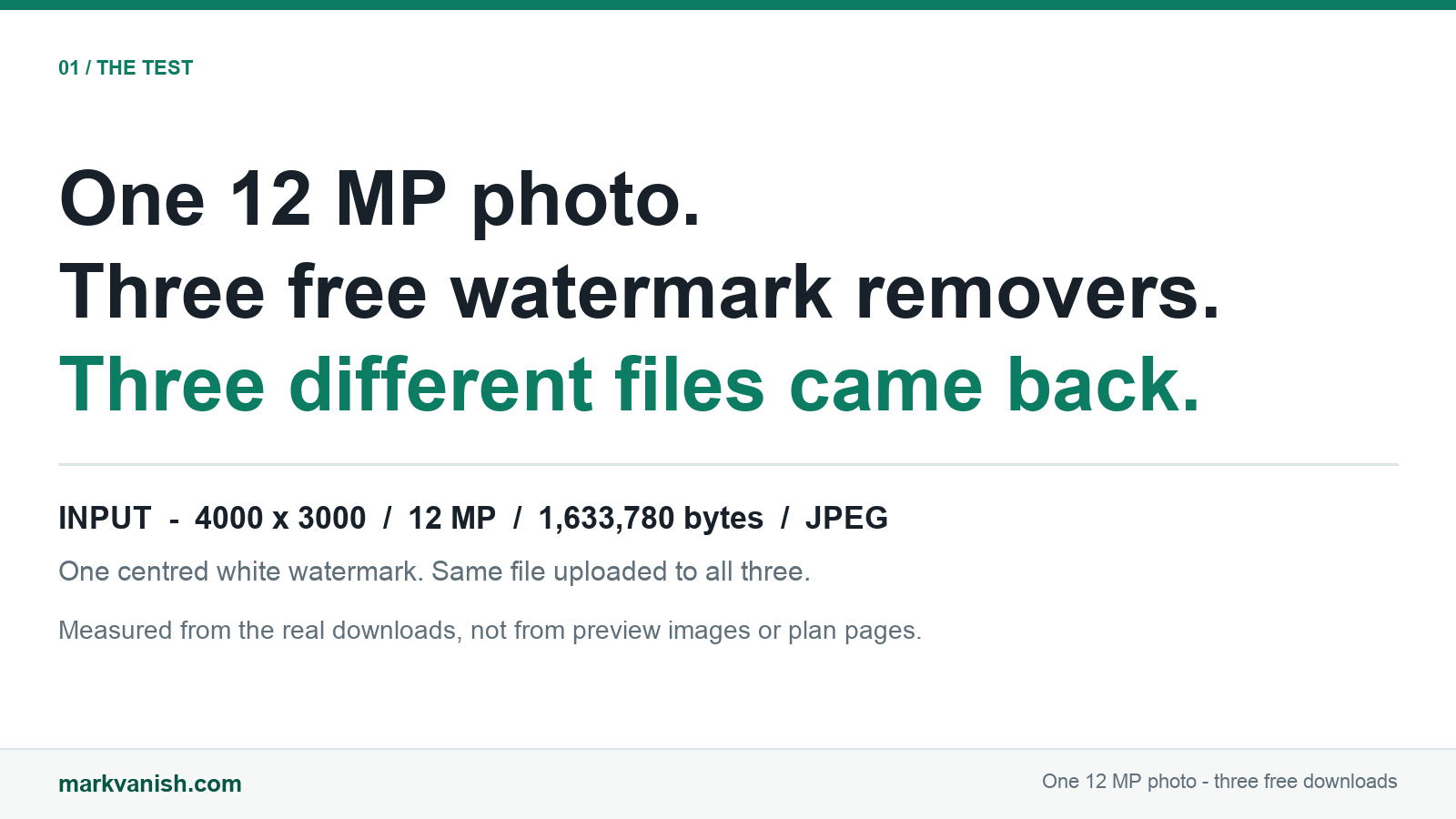
One 4000×3000 JPEG (12 MP) with a centred white watermark was generated once and uploaded unchanged to each service on November 8, 2026, so all three rows describe the same input. Every number in the table comes from the file you actually get: each result was downloaded through the site's own download control, and its pixel dimensions, byte count and format were read from that downloaded file rather than from the on-screen preview. For watermarkremover.io and unwatermark.ai the preview and the download were checked and matched byte for byte. That matters because a preview can look full-size while the free download is not — on unwatermark.ai the difference was 12 MP down to 1 MP. For the wider question of what "free" means beyond a single download, see what free means for a watermark remover; for where the processing runs, see local vs cloud watermark remover.
Measurement date and the next day
Every number on this page was measured on November 8, 2026, with one 4000×3000 JPEG carrying a centred white SAMPLE WATERMARK. That includes the watermarkremover.io row: on that date the upload completed and the site returned a full 4000×3000, 1,348,316 byte JPEG with no login and no card. On November 9, 2026, a separate measurement using a different 2000 x 1400 JPEG with 4 opaque text blocks met an HTTP 403 Cloudflare security challenge on the same tool, with 0 upload controls and no downloadable file, so that page lists no output numbers for it. See remove text for the November 9 measurement. The two dates do not describe the same run and neither record has been changed: one day the file came back, the next day it did not. That change is the finding.
FAQ
Do free watermark removers require a credit card?
No. None of the three showed a card or payment page, and all three produced a downloadable file. watermarkremover.io and unwatermark.ai needed no login either; phototune.ai showed a sign-up box that could be dismissed with Maybe later.
Which free watermark remover keeps the original 12 MP resolution?
watermarkremover.io and phototune.ai both returned 4000×3000, the full 12 MP of the source. unwatermark.ai returned 1154×866, about 1 MP, so its free download holds roughly one twelfth of the pixels.
Do free watermark removers leave a visible watermark or ghost behind?
None of the three left the white lettering visible or a ghost outline of it. They differed in the cost: watermarkremover.io smoothed the background behind the text, unwatermark.ai resampled the whole photo to 1 MP, and phototune.ai kept the sharpest detail but produced a 5,078,655 byte PNG.
How many free images does each watermark remover give you?
watermarkremover.io states 3 free credits on sign-up (1 credit = 1 image) and 2 conversions per day without registering. unwatermark.ai states 3 automatic and 20 manual removals per day on its free plan. phototune.ai started at 6 credits and one 12 MP removal consumed 4, leaving 2.
Which free watermark remover should I use?
For a screen-only copy with no account, unwatermark.ai is enough at 1 MP. For full resolution in a small file, use watermarkremover.io. For the cleanest background before editing or printing, use phototune.ai, accepting a 5 MB PNG and 4 credits per 12 MP image.